A little guidance. A clearer workflow.
What would you like to do?
Find practical steps for workspace settings, client profiles, Content Studio, videos, and tasks.
Explore the guides
13 guides
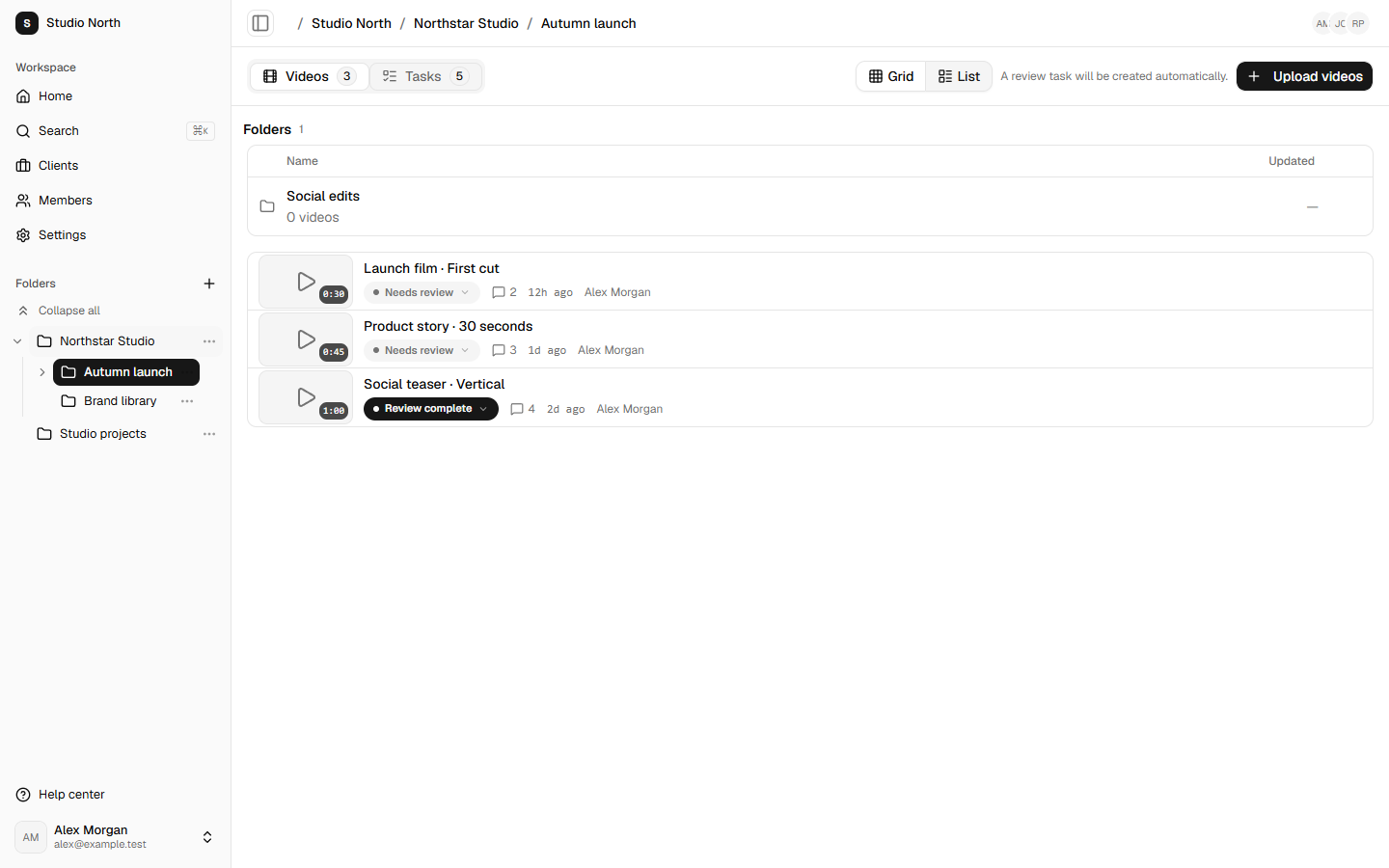
Find your way around folders
Keep videos and their tasks together, with a clear place for every project.
Read guideUpload a video to the right place
Choose a destination, follow upload progress, and understand what happens next.
Read guide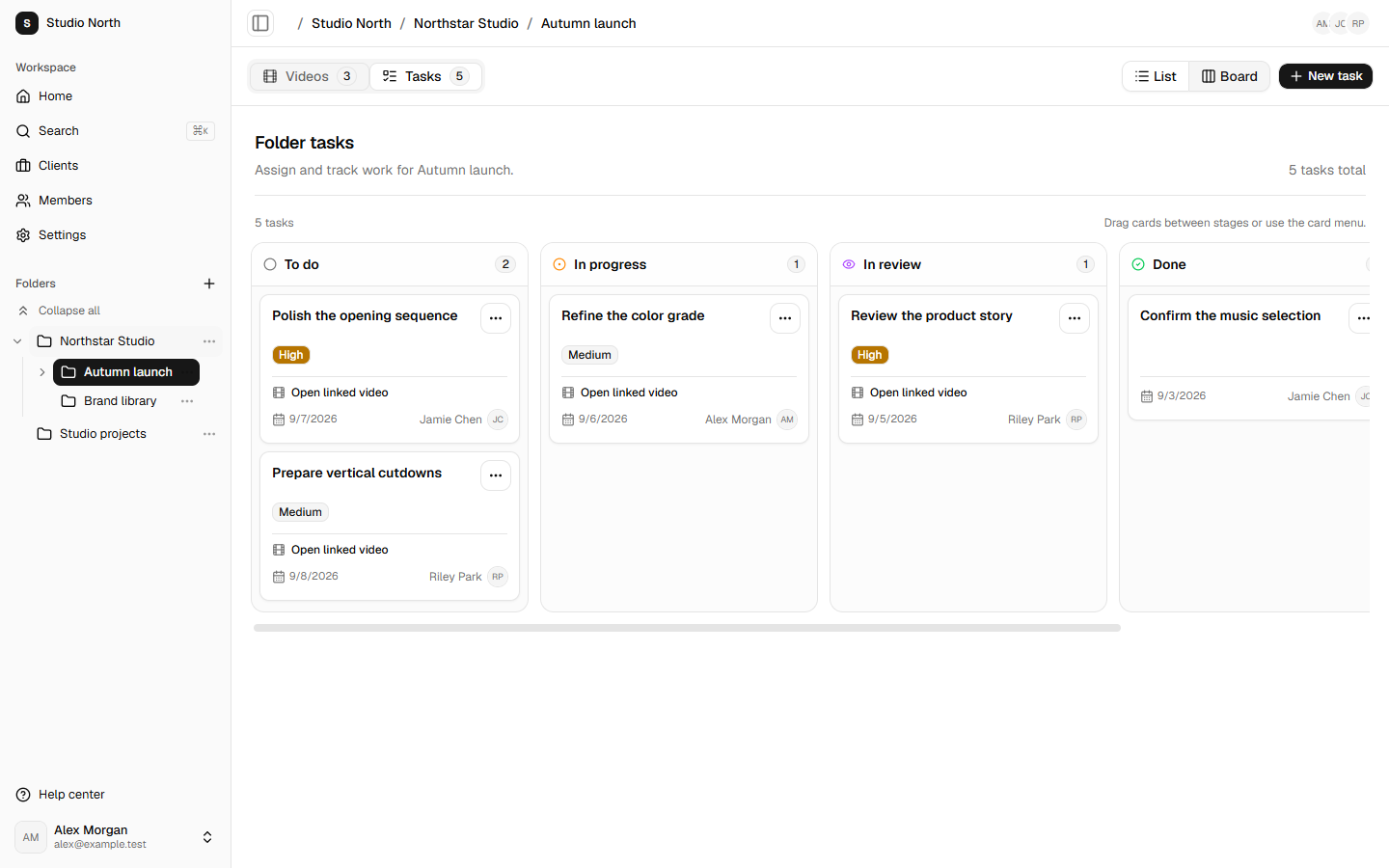
Plan work with the task board
See what needs doing, who owns it, and what is ready for the next step.
Read guide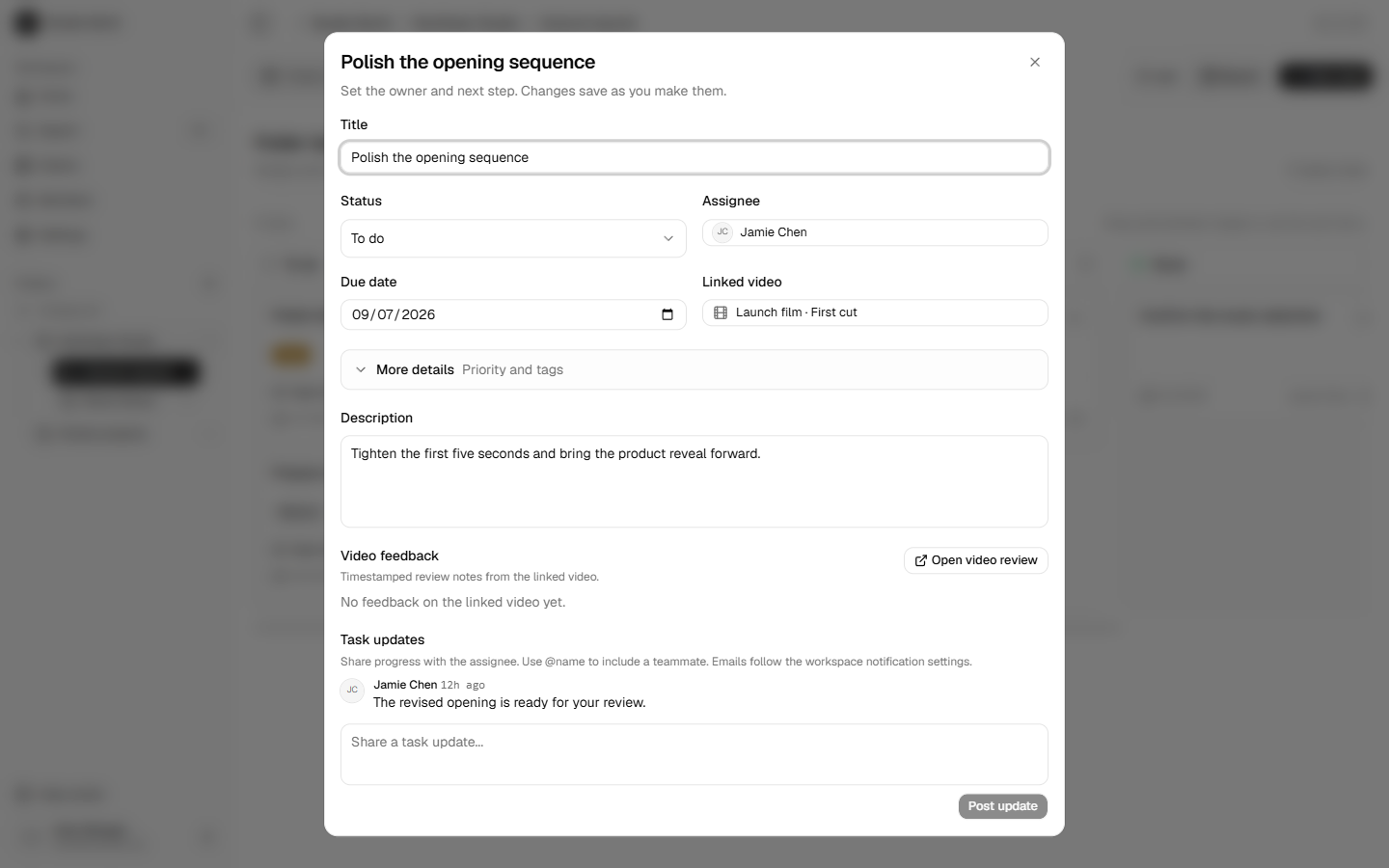
Keep feedback and task updates clear
Use the linked video for review context and task updates to coordinate the work.
Read guide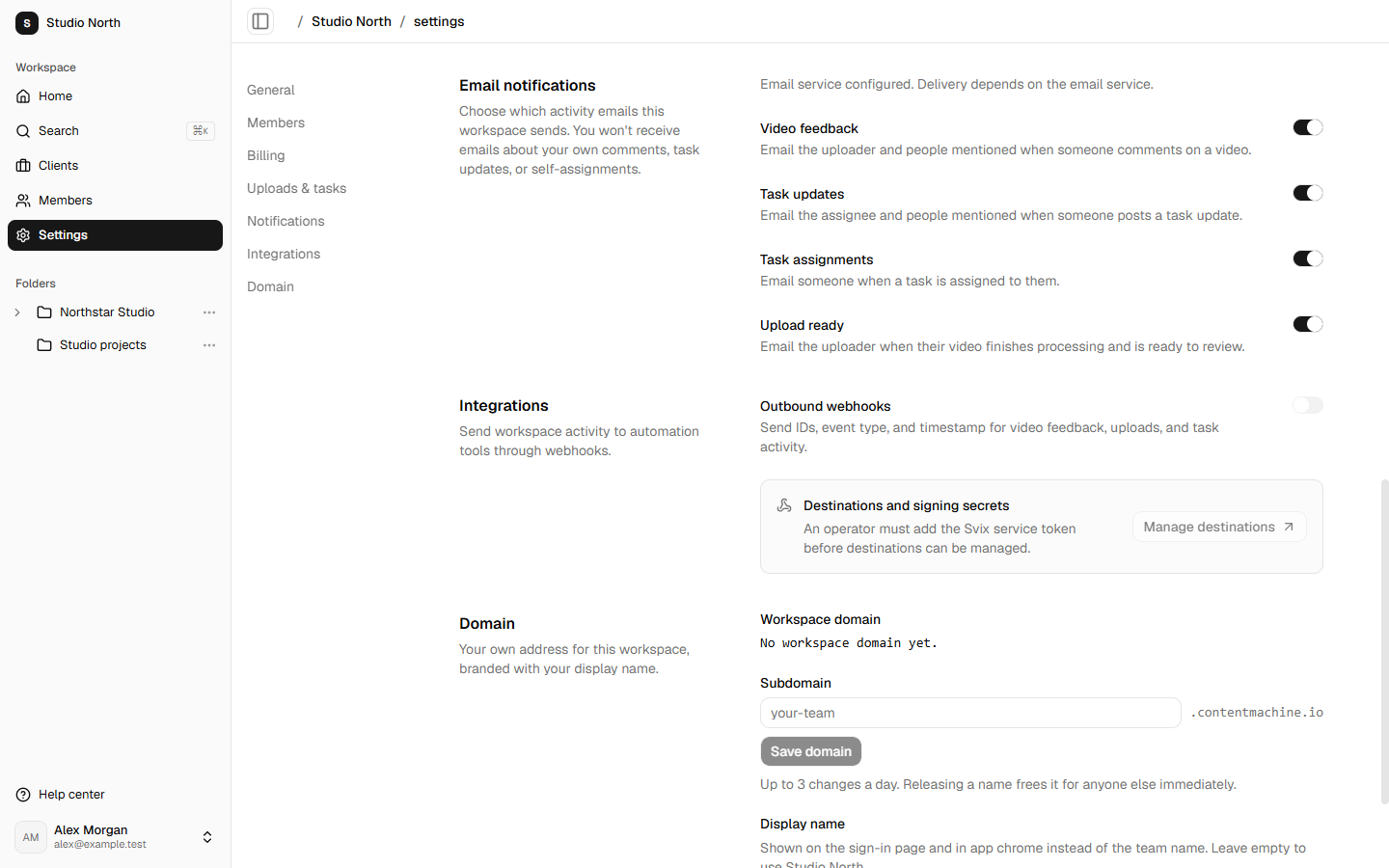
Choose which workspace emails are sent
Understand comment, assignment, task-update, and upload-ready notifications.
Read guideSet up your workspace and team
Manage the workspace name, members, billing, and branded address.
Read guideKeep client details, logos, and notes together
Use a client profile for contact information and context alongside its folders.
Read guideChoose what happens after video uploads
Set automatic transcription and task creation without changing source-library processing.
Read guideConnect OpenRouter and set spending limits
The workspace owner connects funding; teammates choose compatible models directly in chat.
Read guideChoose a model and chat with your sources
Search compatible models in chat and keep each conversation’s sources and model choice.
Read guideUpload and select source versions
Understand ready text, replacements, retries, and current document limitations.
Read guideManage outbound webhooks
Enable workspace events and inspect delivery through the configured webhook service.
Read guideDownload workspace data
Prepare an owner-only JSON export and understand what it includes.
Read guide